In this guide, we’ll walk through exactly what the rental products customer experience looks like when the Rental Products for WooCommerce extension is active on your store, from product pages to email confirmations. With screenshots!
Want to offer rentals instead of selling everything outright? With Rental Products for WooCommerce, you can let customers pick a rental period, check availability, and book directly through your WooCommerce store. Get it on the WooCommerce marketplace!
Rental products customer experience – Availability checker
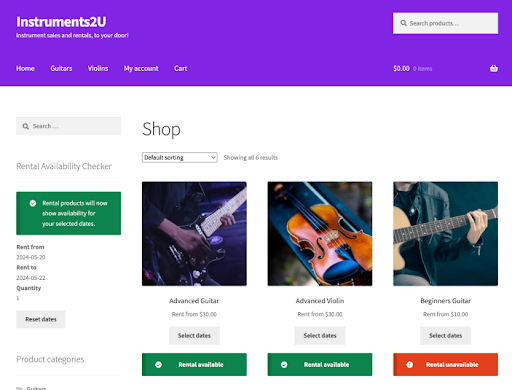
Rental Products offers a visual availability checker, which can be added as either a shortcode or a block on any page, for all your rental products. Your customers can quickly determine if your products are available to rent within any date range.
Product page experience
This is what a product page looks like after it has been configured as a rental product. A calendar will appear on the product page for the customer to choose how long they’d like to rent your product. The calendar view determines the start date, end date, and billing period for your rental.

Browsing category and search results
On your archive and shop pages, Rental Products automatically updates product buttons to show that a rental period needs to be selected. This helps customers understand that they’re booking, not buying, at a glance.

Cart view in the rental products customer experience
When a customer adds a rental product to their cart, they’ll see the selected rental period (start and end dates), plus any return buffer information you’ve set.
This gives customers a clear summary of their rental period and return window – no surprises at checkout.

Checkout view in the rental products customer experience
The same rental information also appears during checkout so customers can double-check their rental window before placing the order.

Note: CheckoutWC will provide an even better experience for your end-users alongside Rental Products!
Rental order details in customer account
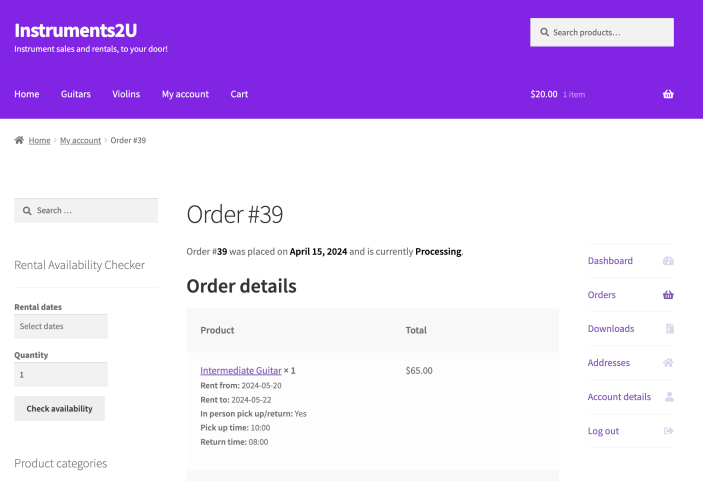
After placing an order for a rental product, the customer can find the order details of their booking in their account page.
Rental order confirmation emails
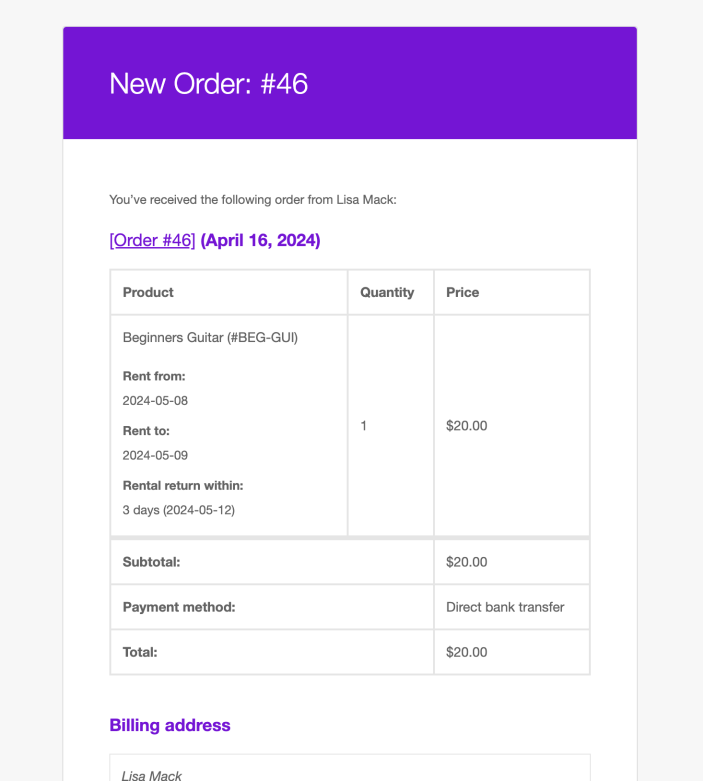
Lastly, customers will receive an order notification from your store that will include the rental information for your customer’s reference.
More Information
Want to learn more or see how Rental Products could work for your business?