

Most membership programs offer the same tired perks: a percentage discount, early access to sales, free shipping. These work, but they’re passive. Your members receive them whether they engage or not.
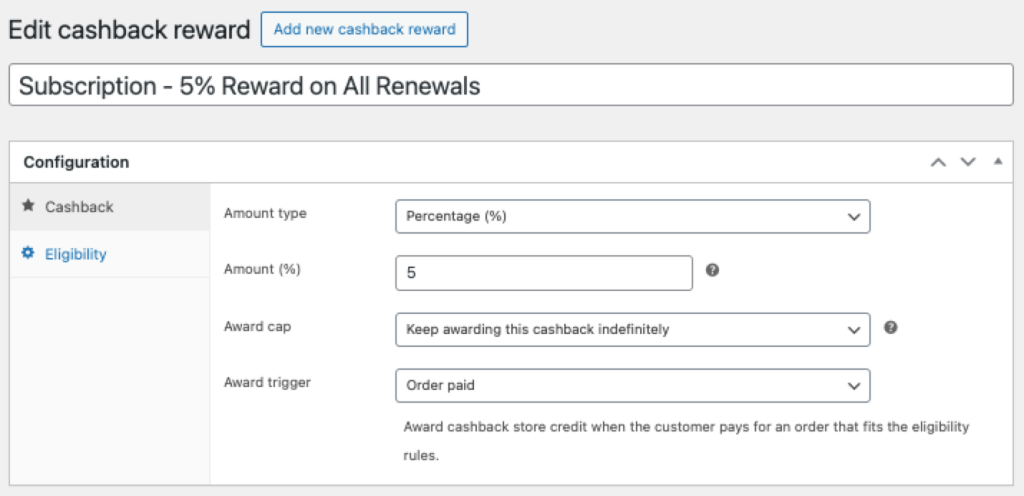
Membership store credit changes this dynamic. When actual money lands in a member’s wallet every month, you create a reason to come back, browse, and buy. It’s not a discount waiting to be claimed, it’s value that feels real and demands action.
The psychology: why credit beats discounts
Behavioral economists Daniel Kahneman and Amos Tversky identified a phenomenon called loss aversion: the pain of losing something is psychologically about twice as powerful as the pleasure of gaining it. This principle, part of their Nobel Prize-winning Prospect Theory research, explains why unused store credit creates urgency that discounts simply can’t match.
A 10% member discount sounds great on paper. But it only matters when someone is already buying. If a member doesn’t shop for three months, that discount does nothing to bring them back.
Monthly store credit flips this. Once that $25 hits a member’s account, it feels like their money. Not using it feels like throwing money away. This creates what marketers call “points pressure”: a psychological pull that drives visits and purchases far more effectively than potential savings.
The effect compounds over time. Members check their balance. They browse. Even if they don’t buy immediately, you’ve re-engaged them. And because store credit doesn’t feel like “their” money in the same way cash does, members spend it more freely. They’ll often go as far as adding items to reach a total above their credit balance.
Even better: Stack credit with discounts
Here’s where it gets interesting: credit and discounts aren’t mutually exclusive. The most effective membership programs combine both.
Research from the International Journal of Research in Marketing found that loyalty point redemptions and coupon-based discounts work as “complementary tools”—each driving different behaviors. Points (or credit) create urgency and visit frequency. Discounts increase basket size once members are in the store.
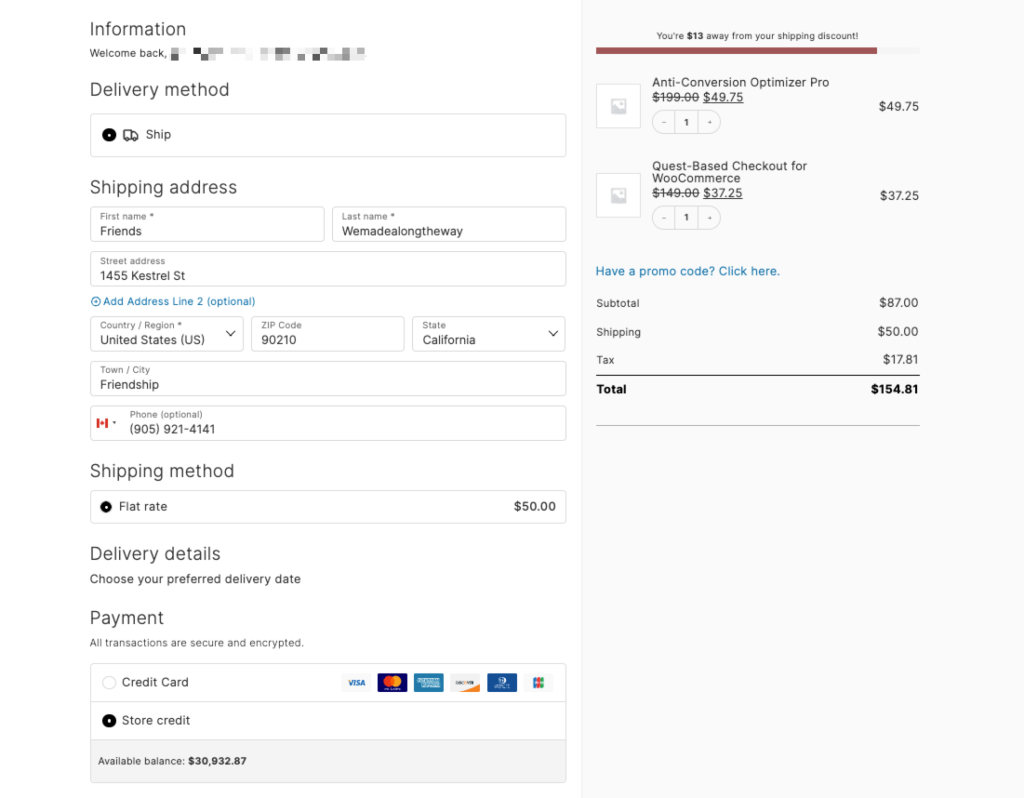
Major retailers have figured this out. Costco Executive Members earn a 2% annual reward on purchases—and stack that with their Costco Visa card’s 2% cash back for 4% total. REI Co-op members receive a typical 10% annual dividend plus access to member-only sales throughout the year.
For WooCommerce stores, this might look like: $15/month in store credit plus 10% off all orders. The credit creates the visit. The discount encourages a bigger basket. Both reinforce the membership’s value.
How recurring store credit works
The setup combines two plugins:
Constellation handles everything about the membership itself: plans, recurring billing, access rules, and member management. When a member pays their monthly fee, Constellation processes that transaction.
Account Funds provides the store credit wallet. Its Cashback feature lets you automatically deposit credit when specific products are purchased—including membership products.
The result: every time a membership payment processes (initial purchase or renewal), Account Funds automatically deposits the credit amount into the member’s wallet. No manual work required.
For detailed setup instructions, see our documentation: How to Set Up Recurring Store Credit with Constellation.
Five ways stores use membership store credit
This pattern works across industries. Here’s how different WooCommerce stores implement it:
1. Coffee roasters: flexible “subscriptions”
Traditional coffee subscriptions ship on a fixed schedule—but consumption varies. Some weeks you drink more; some weeks you’re traveling.
The model: $25/month membership → $25 store credit. Members order when they want, what they want.
Why it works: Predictable revenue for the roaster. No “skip this shipment” friction for members.
2. Outdoor gear: balance building
Outdoor retailers face brutal seasonality—ski gear in fall, camping in spring, dead zones between.
The model: $20/month year-round → $22 credit (10% bonus). Credit rolls over but expires after 12 months.
Why it works: Smooths cash flow. Members accumulate balances during off-seasons, spend big when they need gear. Similar to REI’s annual dividend model, but monthly.
3. Craft supplies: free shipping included
Crafters buy constantly—yarn, fabric, beads—but orders are small. Shipping often exceeds the order value.
The model: $10/month → $10 credit + free shipping on all orders.
Why it works: Combines credit with a concrete perk. Members batch purchases to use credit, driving higher average order values.
4. Wine shops: choose your own
Traditional wine clubs send fixed bottles monthly. But what if someone doesn’t like Chardonnay? Returns and cancellations follow.
The model: $50/month → $50 credit. Members choose their own bottles.
Why it works: Discovery without “mystery box” anxiety. Zero returns from disappointed members.
5. Pet supplies: credit plus discount
Pet owners spend consistently but timing varies based on how fast supplies run out.
The model: $15/month → $15 credit + 15% off everything (stacked). Mirrors Costco’s Executive + credit card combo.
Why it works: Credit creates the visit. Discount encourages larger baskets. Double incentive to stay loyal.
Credit amount strategies
How much credit relative to the membership price? Three models:
Dollar-for-dollar: Members pay $25, get $25 credit. Clear value proposition. You’re essentially letting them pre-pay while getting predictable monthly revenue.
Credit bonus: Members pay $25, get $28 credit. The extra $3 is your “thank you” for commitment—and makes the math obviously favorable to members.
Partial credit + other perks: Members pay $25, get $15 credit plus 10% off all orders. Encourages larger purchases beyond the credit amount. This is often the most profitable model.
Setting up recurring store credit
The configuration is fairly simple:
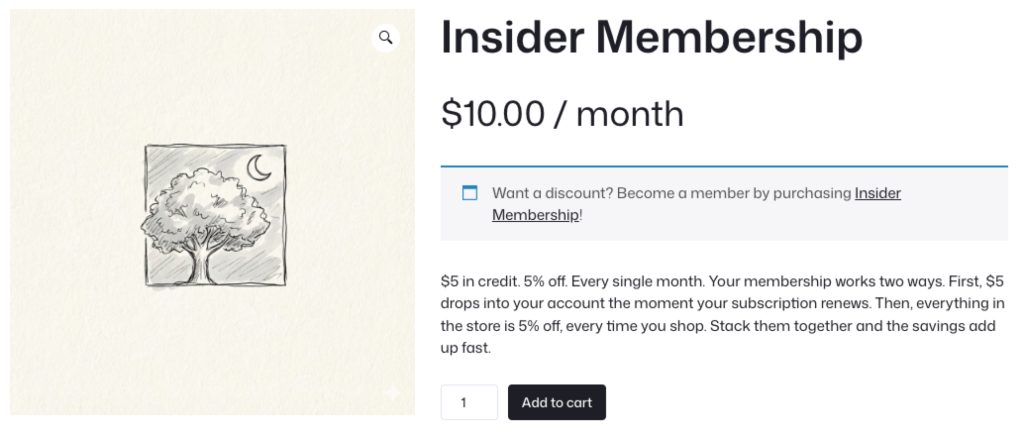
Step 1: In Constellation, create your membership plan with a recurring billing product at your price point.
Step 2: In Account Funds, navigate to Account Funds → Cashback and create a new reward. Set the trigger to “Purchased product,” select your membership product, and configure the fixed credit amount.
Step 3: Test with a test account before announcing to members.
For the complete walkthrough with screenshots, see: How to Set Up Recurring Store Credit with Constellation.
Operational considerations
A few things to think through before launching:
Cash flow reality: You receive payment before credit is spent. Good for cash flow, but remember that credit is a liability until redeemed.
Communication: Make sure members know their credit arrived. Consider a monthly “Your credit is ready!” email. This reinforces value and triggers loss aversion.
Support implications: You’ll get questions. Document the program clearly. Train your support team on what to expect.
Refund policy: What happens if someone cancels with unused credit? Decide upfront and document it.
Getting started with Memberships Store Credit
If you’re already running Constellation memberships, you can add store credit perks in minutes:
- Install Account Funds for WooCommerce
- Create a Cashback reward triggered by your membership product
- Follow our setup documentation
Starting from scratch? Constellation handles membership infrastructure:
- recurring billing,
- member management,
- access rules
While Account Funds adds wallet functionality and the Cashback system that makes automatic deposits possible. Both plugins work with WooCommerce’s native checkout (including block-based checkout) and CheckoutWC and integrate cleanly with each other.
Related articles
- How to Set Up Recurring Store Credit with Constellation (setup guide)
- Constellation for WooCommerce (membership management)
- Account Funds for WooCommerce (store credit & cashback)
- Account Funds Checkout Block Support

Leave a Reply